
SYSTEM SETUP
STEP ONE
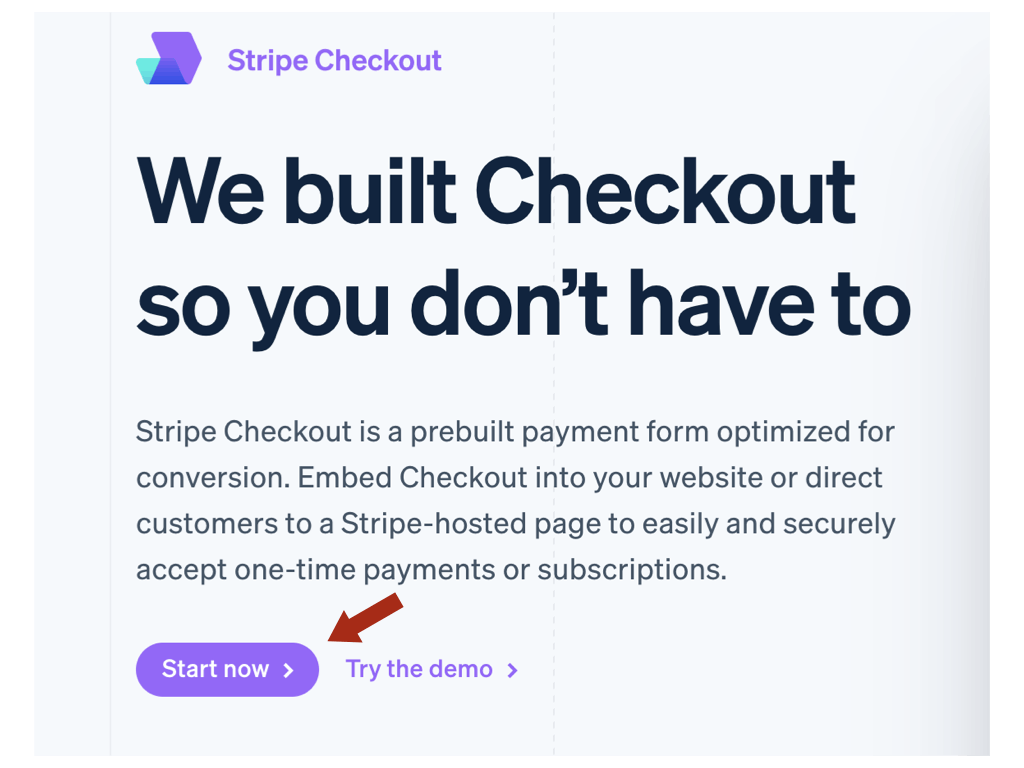
Click START NOW >
It is recommended that you create a new Stripe account for different businesses. This creates clarity, keeping things separate, and protects from potential account disruptions.
When creating/setting up your Stripe account, you will be asked for your website link or url and your product or business description.
USE your personalized OurIncomePlan website, and description below to avoid Stripe rejecting you and closing your account.
Your Website url/link to use:
https://www.ourincomeplan.net/info/[%uname%]
Your Business/Product description:
'Providing the tools and systems for individuals to establish their online presence including domain, hosting, email-responders, customer base management system, training, personal and business skill development and more. A complete toolset housed under one roof, focused on the development of long-term customer relations and communication.'
STEP TWO
If it's not off, you won't be set to take payments.

STEP THREE
From your Stripe dashboard, go to Payments > Payment Links (top left).
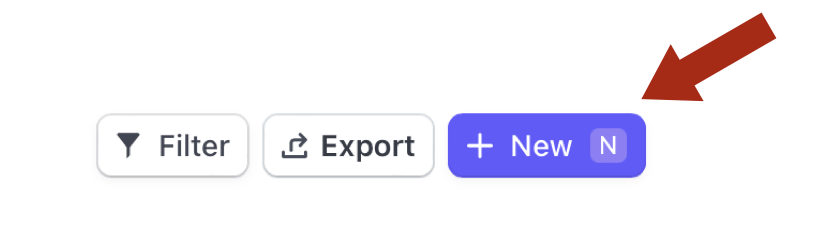
A new screen will open, then click + New (top right)
You will need to make a payment form for each of your membership levels.
One form for the $25 Basic Level, and one for the $100 Full Access.
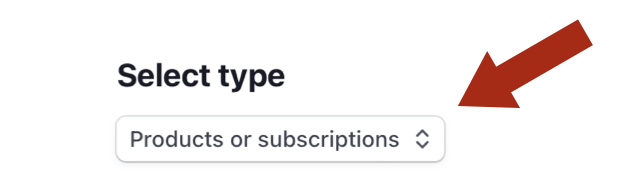
Leave Select type as: Products or subscriptions
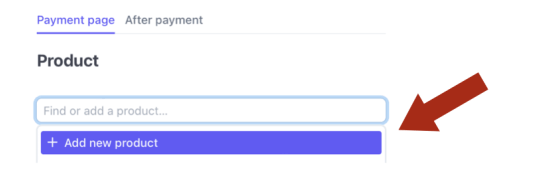
From the dropdown select: Add new product...
Name: $25 Basic Level, or $100 Full Access
Price: $25 USD, or $100 USD
Description: Paid to {your name}
Select: Recurring and set to Monthly!
Click Add Product

This is how your system automatically marks your new referral active in your Member's Area.
Click: After payment
Select: Don't show confirmation page. Redirect customers to your website.
Copy and Paste in your Activation Links/URL
These are your links you need for each level...
$25 Basic Level: https://www.ourincomeplan.net/activate/[%uname%]
$100 Full Access: https://www.ourincomeplan.net/activate2/[%uname%]

Click: Create Link button (top right)
STEP FOUR
COPY your Payment Link
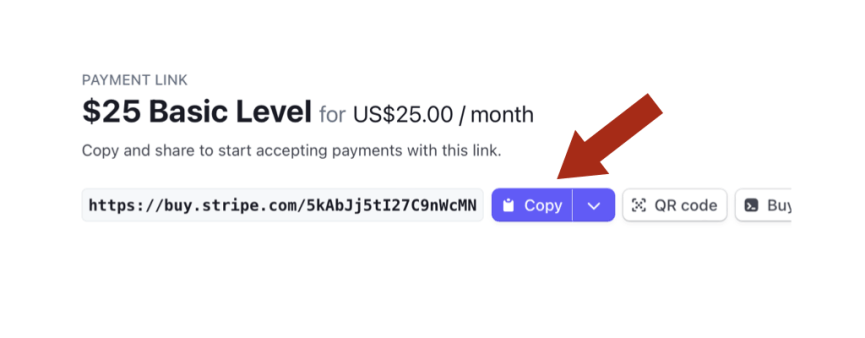
GO TO your 100% Commissions page in your system, CLICK HERE
Paste your Payment Link
CLICK UPDATE URL to save,
then PREVIEW YOUR PAYMENT PAGE
How to Preview your Payment Page?
1. Click the link below to test that page.
2. Click the payment button to make sure it goes to your checkout.
PREVIEW: My $25 Payment Page
PREVIEW: My $100 Payment Page
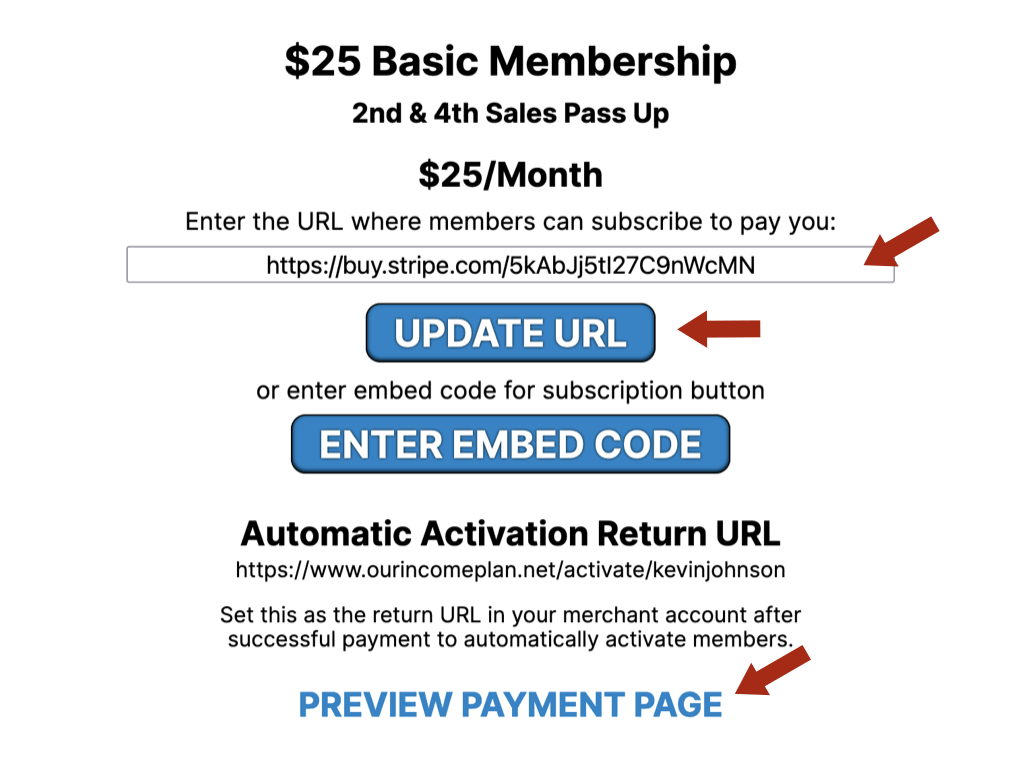
REPEAT FOR BOTH MEMBERSHIP LEVELS!